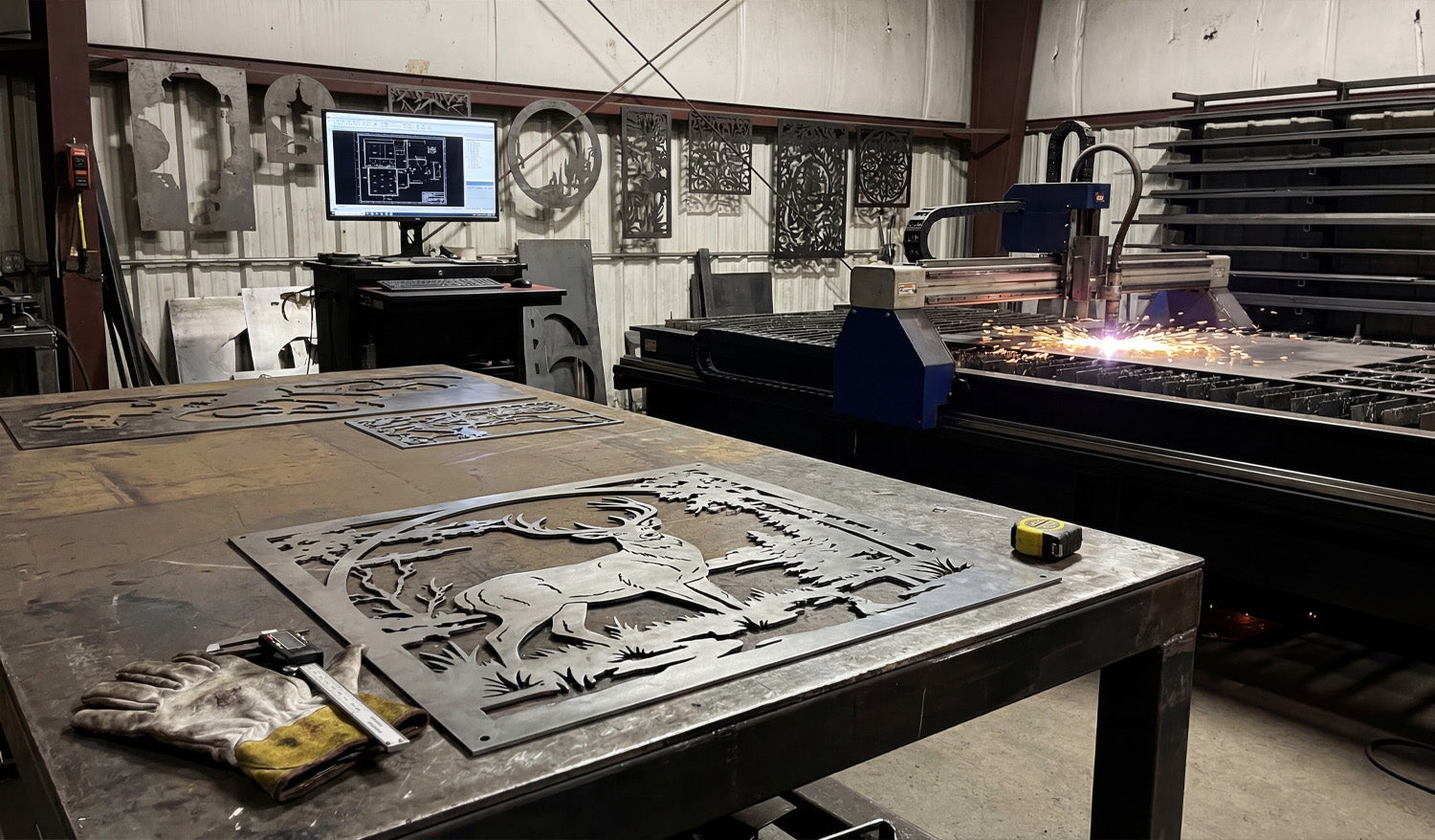
If you own a CNC machine, you have likely heard the term "DXF" tossed around constantly. It is the heartbeat of modern digital manufacturing. Whether you are running a plasma cutter in a large industrial shop or a diode laser in your garage, the DXF file is the bridge between your creative idea and the physical object. In this guide, we will break down exactly what a DXF file is, why it is the industry standard for CNC, and how mastering this file format can transform your manufacturing process from frustrating to effortless.
What is a DXF File?
The acronym DXF stands for Drawing Exchange Format. It was originally developed by Autodesk in 1982 to allow different Computer-Aided Design (CAD) programs to share data with each other. Before DXF, sharing a design between different software was nearly impossible.
DXF file format and universal compatibility

Think of a DXF file as the "universal translator" of the design world. It takes the geometry of a design—lines, arcs, circles, and points—and saves it in a text-based format that almost any CNC software can read. Unlike an image file (like a JPG or PNG) which is made of pixels, a DXF file is made of mathematical vectors. This distinction is crucial for CNC machining because the machine needs to know the exact path to travel, not just what the picture looks like.
How Does a DXF File Work with CNC?

Process of converting DXF to G-Code
At its core, a CNC machine is blind; it needs specific instructions on where to move. The DXF file provides the map for these movements. Here is the typical workflow:
- Design: You create or download a vector design saved as a .dxf file.
- Import: You load this file into your CAM (Computer-Aided Manufacturing) software (like SheetCam, LightBurn, or Fusion 360).
- Toolpathing: The software reads the vector lines in the DXF and converts them into coordinates.
- Cutting: The software generates "G-Code," which tells the motors exactly where to go to cut the material.
Without a clean DXF file, the CAM software cannot generate a smooth toolpath, leading to rough cuts or machine errors.
Key Characteristics of a CNC-Ready DXF

Vector lines and nodes in a design
Not all DXF files are created equal. Just because a file ends in ".dxf" does not mean it is ready for a CNC machine. A high-quality, cut-ready DXF file—like the ones we offer in our Full Access Bundle—must have specific characteristics:
- Closed Paths: Every shape must be a continuous loop. If a line is broken, the CNC machine won't know where to stop or start, often resulting in an incomplete cut.
- No Intersections: Lines should not cross over each other unintentionally, as this can cause the machine to cut the same area twice or ruin the piece.
- Optimized Nodes: A good DXF file uses the minimum number of "nodes" (points) to define a curve. Too many nodes can cause the machine to stutter, resulting in a jagged edge.
- Single Layers: Ideally, the cut lines should be on a single layer to avoid confusion during the import process.
Advantages of Using DXF Files

Benefits of using vector files for manufacturing
DXF files offer massive advantages over other formats when it comes to CNC machining. Here are the key benefits:
- Infinite Scalability: Since DXF files are vectors, you can resize a design from a small keychain to a massive driveway gate without losing any quality or resolution.
- Universal Compatibility: Whether you use AutoCAD, CorelDRAW, Adobe Illustrator, or Inkscape, you can open and edit DXF files.
- Precision: DXF files hold mathematical accuracy. If you draw a line that is 100mm long in the file, the machine will cut exactly 100mm.
- Editability: Unlike an image, you can easily modify a DXF file. You can delete parts, add text, or combine different designs to create something new.
Applications of DXF Files in Industry

Examples of products made with DXF files
The versatility of the DXF format makes it the go-to standard for countless industries. Here is where they are most commonly used:
- Metal Art & Decor: Creating intricate wall art, privacy screens, and fire pits using Plasma or Laser cutters.
- Automotive & Engineering: Cutting brackets, gaskets, and mechanical parts with high precision.
- Sign Making: Producing channel letters and logos for businesses using CNC routers or lasers.
- Woodworking: Designing flat-pack furniture, inlays, and engravings.
- Textile & Leather: Cutting patterns for clothing and upholstery using automated knife cutters.
DXF Resources for Hobbyists and Professionals
While learning to draw your own DXF files from scratch is a valuable skill, it is also time-consuming. For many businesses and hobbyists, the most efficient workflow is to start with a high-quality template.
At DXF Files for CNC, we specialize in providing "cut-ready" designs that have been tested to ensure they work perfectly. Whether you are looking for Free DXF Files to test your machine or a premium collection to start selling products, having a reliable library of designs is essential for success.
Bottom Line
The DXF file is the universal language of the CNC world. It enables the precision, repeatability, and creativity that modern manufacturing demands. By understanding how these files work and ensuring you are using high-quality, optimized vectors, you can maximize the potential of your machine and produce professional-grade work every time.
Whether you are a seasoned fabricator or just bought your first CNC table, the quality of your output starts with the quality of your file. Master the DXF format, and you master your machine.