

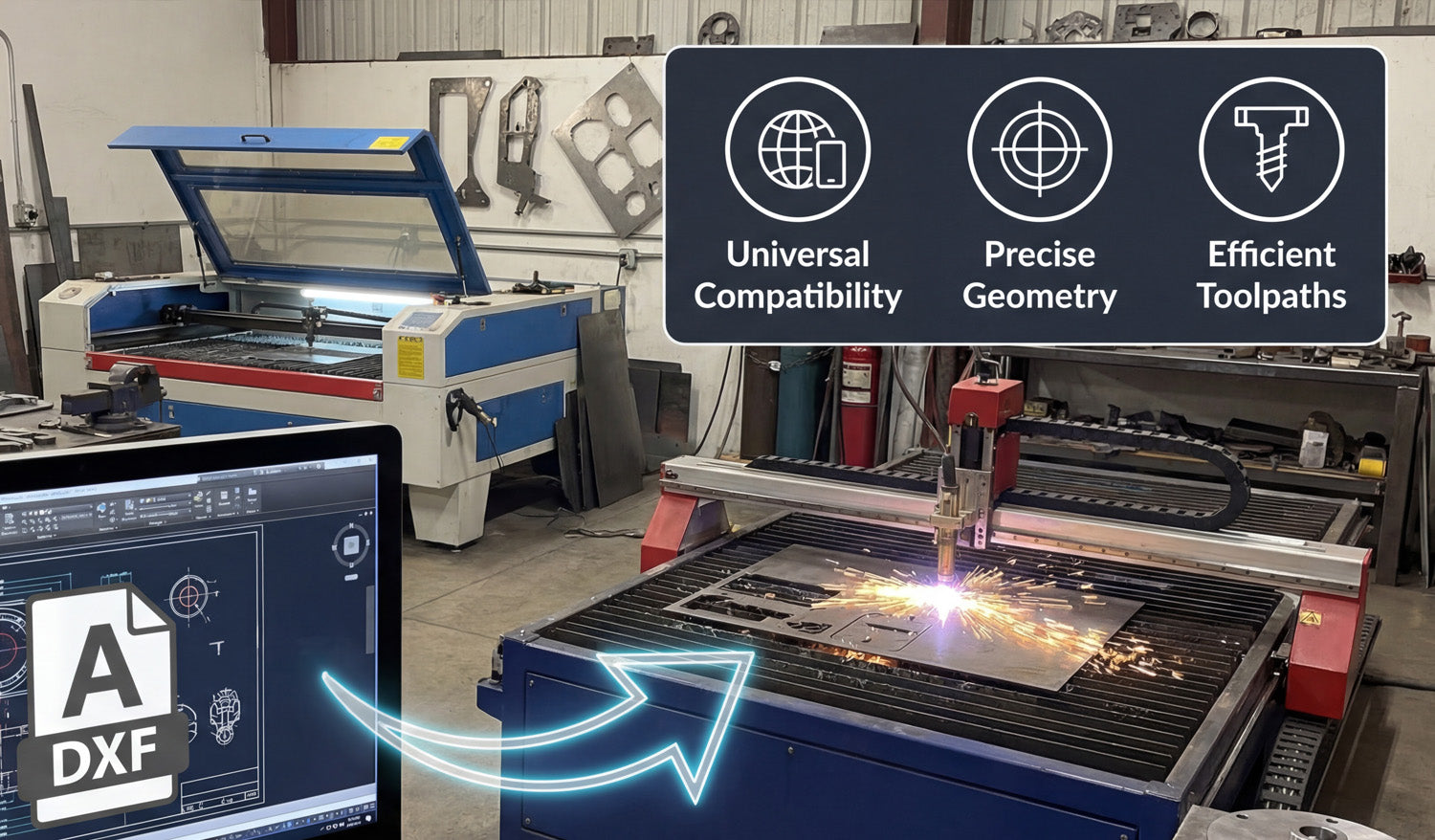
Using DXF files for laser and plasma cutting gives you cleaner toolpaths, easier workflows, and more consistent results across different machines and materials.
Why DXF Files Work So Well for Laser and Plasma Cutting
Laser and plasma cutters both rely on precise 2D paths to move the beam or torch around your material. DXF (Drawing Exchange Format) files store those paths as vectors: lines, arcs, and curves defined by coordinates. That makes DXF a natural fit for any sheet-cutting process where accuracy, repeatability, and clean motion really matter.
Instead of guessing from a pixel-based image, your machine reads exact geometry from the DXF and turns it into stable, efficient toolpaths.
Benefit 1: Universal Compatibility Across CAD and CAM Software
One of the biggest advantages of DXF is that almost every CAD, CAM, and CNC control program can read it. This helps you:
- Design anywhere: Create or edit your drawing in your favorite CAD or vector software.
- Cut on many systems: Import the same DXF into different laser or plasma CAM tools.
- Share with others: Send DXF files to customers, suppliers, or partner shops without worrying about software brands.
For a busy laser or plasma shop, that compatibility means less time fighting file formats and more time actually cutting parts.
Benefit 2: Clean Vector Geometry for Precise Cutting
Laser and plasma cutters do their best work when they receive smooth, continuous curves and straight lines. DXF is built around exactly that kind of geometry.
- Smoother edges: Well-drawn DXF curves produce neat, flowing motion on the machine.
- Accurate shapes: True arcs and circles cut more consistently than shapes approximated from low-resolution images.
- Predictable kerf: Clean geometry makes it easier to apply kerf compensation and hit your final dimensions.
Whether you are cutting detailed wall art or tight-tolerance brackets, DXF gives you a solid base for accurate results.
Benefit 3: Faster, More Efficient Toolpaths
When your input geometry is clean, your CAM software can generate better toolpaths for laser and plasma cutting.
- Reduced pierces: DXF files that use continuous contours allow the CAM system to combine segments and minimize pierce points.
- Optimized cut order: Inner shapes can be cut before outer profiles, reducing part movement and waste.
- Less machine “jitter”: Smooth paths keep the head or torch moving consistently, which improves edge quality and speed.
Even small improvements in path efficiency can add up, especially when you are running many parts or large nests per day.
Benefit 4: Easy Scaling and Reuse
DXF files store vector geometry, which scales without losing quality. This is a big advantage for laser and plasma shops that need multiple sizes of the same design.
- Quickly create small, medium, and large versions of a sign or art piece by scaling the DXF.
- Reuse the same base file for different material thicknesses or product lines.
- Keep your design library simple by storing “master” DXFs and creating size variants as needed.
This flexibility makes it easier to respond to custom requests and build product families around proven designs.
Benefit 5: Better Nesting and Material Utilization
Professional nesting software works best with clear, closed shapes—and that is exactly what a good DXF file provides.
- Tighter nests: Closed, non-overlapping DXF contours allow parts to be packed closely to reduce scrap.
- Accurate part outlines: Reliable geometry means fewer surprises when parts are removed from the sheet.
- Consistent margins: Known shapes make it easy to control edge distance and safe spacing between parts.
For both laser and plasma cutting, better nesting translates into real savings on steel, aluminum, stainless, or other sheet materials.
Benefit 6: One File Format for Both Laser and Plasma
Many shops run both laser and plasma cutters, or move jobs between them depending on material and thickness. DXF files make this easy:
- Use the same design as a fine-detail laser job or a heavy-duty plasma job.
- Apply different kerf, speed, and power settings in CAM while keeping the DXF geometry identical.
- Shift production between machines without redrawing the part from scratch.
This shared file format lets you match the process—laser or plasma—to the job while keeping your design workflow simple.
Benefit 7: Clear Layer and Color Control for Operations
DXF supports layers and colors, which many CAM systems use to assign different operations.
- Separate cut, engrave, mark, and etch paths on different layers.
- Map each color to a specific power and speed combination on your laser.
- For plasma, differentiate pierce-only, cut, and mark paths clearly in the DXF.
Organized DXF files make it much harder to mix up operations, reducing setup time and costly mistakes on the machine.
Benefit 8: Easier Collaboration and Outsourcing
If you work with designers, customers, or outside cutting services, DXF is a simple, shared language.
- Designers can send you DXF files instead of proprietary CAD formats.
- You can outsource overflow work to other shops that accept DXF-based jobs.
- Customers can approve proofs and revisions based on the same file that will be cut.
This makes your laser or plasma shop more flexible and able to handle larger projects without rebuilding the design from scratch for every partner.
Benefit 9: Future-Proof Design Library
Because DXF is so widely supported and long-lived, it is a safe choice for building a permanent design library.
- Old DXF files can still be opened and cut on new software and machines years later.
- You are less dependent on a single CAD brand or subscription to access your own designs.
- Your library of signs, art, brackets, and parts becomes a long-term asset for your business.
As laser and plasma technology evolves, DXF support is almost guaranteed to remain a core feature in future systems.
Conclusion
DXF files offer a powerful combination of compatibility, precision, efficiency, and flexibility for both laser and plasma cutting. They help you create cleaner toolpaths, get better edge quality, reduce material waste, and reuse designs across different machines and materials. Whether you are a hobbyist, a small fab shop, or a growing production facility, building your workflow around well-prepared DXF files is one of the smartest moves you can make for reliable, profitable CNC cutting.




