

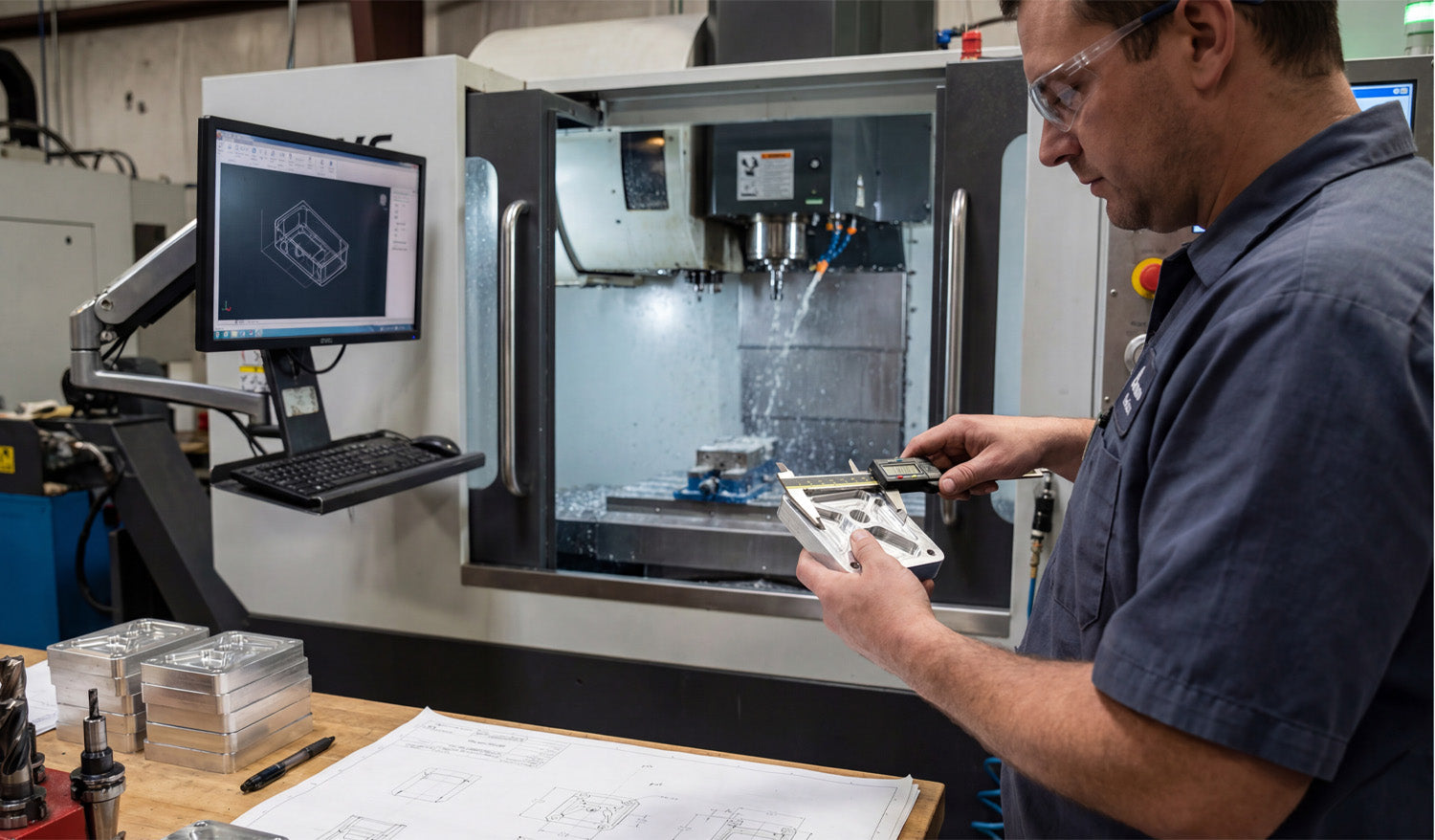
Using DXF files in CNC milling for precision work gives you a clean, reliable way to transfer exact 2D geometry from CAD to CAM, so your mill can machine pockets, profiles, and hole patterns that hit tight tolerances without guesswork.
Why DXF Files Still Matter in a 3D Milling World
Even though CNC milling is closely tied to 3D models, a lot of critical machining still starts with 2D profiles and flat patterns. DXF (Drawing Exchange Format) files are ideal for:
- Defining exact outlines for parts cut from plate or bar stock.
- Describing hole patterns, slots, and pockets on one face of a part.
- Creating 2.5D toolpaths where depth comes from CAM, but XY shape comes from DXF.
DXF files give you a simple, neutral way to move that 2D data between design and machining software without losing accuracy.
1. Precise Geometry for Tight Tolerances
Precision milling depends on geometry that is mathematically exact, not just visually close enough. DXF files store:
- True circles for holes, dowel pins, and bearing seats.
- Exact line lengths and angles for critical edges and chamfers.
- Accurate arcs for radiused corners and blended profiles.
When you bring that DXF into CAM, toolpaths are built on those precise entities, making it easier to hit tolerance on bore sizes, bolt patterns, and mating surfaces.
2. Clean Transfer from CAD to CAM
DXF files act as a neutral bridge between different software tools in your workflow:
- Design teams can work in their preferred CAD system.
- Programmers can import DXF into whatever CAM system they use on the shop floor.
- Shops can switch machines or CAM packages without redrawing parts.
This separation means you do not have to rebuild 2D geometry for each machine or software change, which reduces both error and programming time.
3. Easy Extraction of 2D Profiles from 3D Models
For many milled parts, the machining starts from 3D CAD but is executed as 2.5D operations. DXF makes this handoff simple:
- Generate 2D views or section profiles in your 3D CAD model.
- Export key faces as DXF outlines for pockets, contours, and hole patterns.
- Import those DXFs into CAM and apply depth, step-down, and tooling from the milling side.
This workflow lets you keep the full 3D design but still enjoy the speed and familiarity of 2D-based programming for many precision features.
4. Better Control of Hole Patterns and Feature Positioning
Hole patterns are usually where precision really matters in milling, especially when parts need to assemble with other components.
- DXF files define hole centers and diameters with exact coordinates.
- You can create bolt circles, grids, and slot positions in CAD with parametric accuracy and then export as DXF.
- In CAM, you assign drill cycles, boring operations, or circular pockets directly to those DXF points and circles.
This approach ensures that your drilled or milled holes land exactly where the drawing says they should, without manual coordinate entry errors.
5. Consistent 2.5D Pockets and Profiles
Many precision milling jobs rely on pockets, steps, and external profiles that must match drawings perfectly.
- The DXF defines the plan view of each pocket or boss.
- CAM assigns depth, bottom conditions, and machining strategies (ramp, helix, step-down) to that shape.
- Because the XY shape comes from a DXF, repeat parts are easier to program and check.
Once you trust the DXF geometry, you can focus on optimizing toolpaths and cutting parameters instead of constantly redrawing shapes.
6. Faster Programming for Similar Parts
In production milling, many parts share similar outlines or feature layouts. DXF files make reuse straightforward:
- Start from a template DXF for common plate shapes, brackets, or fixtures.
- Adjust a few dimensions or hole patterns in CAD, then re-export the DXF.
- In CAM, reuse your tool and operation templates mapped to layers or geometry types.
This combination of DXF templates and CAM templates reduces programming time and keeps your process consistent across families of parts.
7. Clear Layering for Multi-Operation Milling
Precision work often involves more than one operation on the same face: roughing, finishing, chamfering, engraving, and drilling. DXF layers help separate these tasks cleanly.
- PROFILE_FINISH: Final contour passes that control tolerance and surface finish.
- POCKET_ROUGH / POCKET_FINISH: Different layers for rough and finish passes on pockets.
- DRILL / BORE: Hole centers for drilling and boring cycles.
- ENGRAVE / MARK: Part numbers, logos, and reference text.
By assigning entities to layers in CAD, you can drive CAM automation and separate critical finishing operations from roughing in a way that is easy to repeat and review.
8. Reduced Risk of Manual Data Entry Errors
Typing coordinates by hand into CAM or directly at the control is a fast path to bad parts. DXF files help eliminate that risk.
- All coordinates, angles, and diameters come from CAD, not from memory or hand calculations.
- Changes to the design are made once in CAD and then reflected in a new DXF revision.
- Operators and programmers use visual geometry instead of manual lists of numbers.
This reduces mistakes, especially on complex hole patterns and profiled edges where a single wrong value can scrap an expensive part.
9. Easier Verification Against Drawings
When a customer provides a 2D drawing and you produce a DXF-based program, verifying alignment between the two is straightforward.
- Overlay the DXF and the original drawing in CAD to confirm dimensions and feature positions.
- Use dimension tools to double-check critical tolerances before you ever cut metal.
- Document version numbers on both the DXF and the print so everyone is working from the same revision.
That level of traceability is especially helpful in aerospace, automotive, and other regulated industries where precision documentation matters.
10. Long-Term Compatibility and Reuse
DXF has been around for decades, and that stability is a real advantage for shops that keep jobs on file for years.
- Older DXF files can usually be opened in newer CAD and CAM software without redrawing.
- Repeat orders for precision parts can be programmed quickly using the same trusted DXF geometry.
- Archives of DXF-based jobs remain useful as you upgrade machines or software over time.
This long-term compatibility makes DXF a safe choice for building a library of precision milling projects that you can reactivate whenever a customer reorders.
Conclusion
For CNC milling and precision work, DXF files provide a straightforward way to carry exact 2D geometry from the design side into the machining environment. They help you define accurate hole patterns, pockets, and profiles, reduce programming time, prevent manual entry errors, and keep your jobs consistent across revisions and repeat runs. By using DXF files intentionally in your milling workflow, you give your CNC machines the clear, reliable geometry they need to deliver tight tolerances and clean finishes on every part.




