

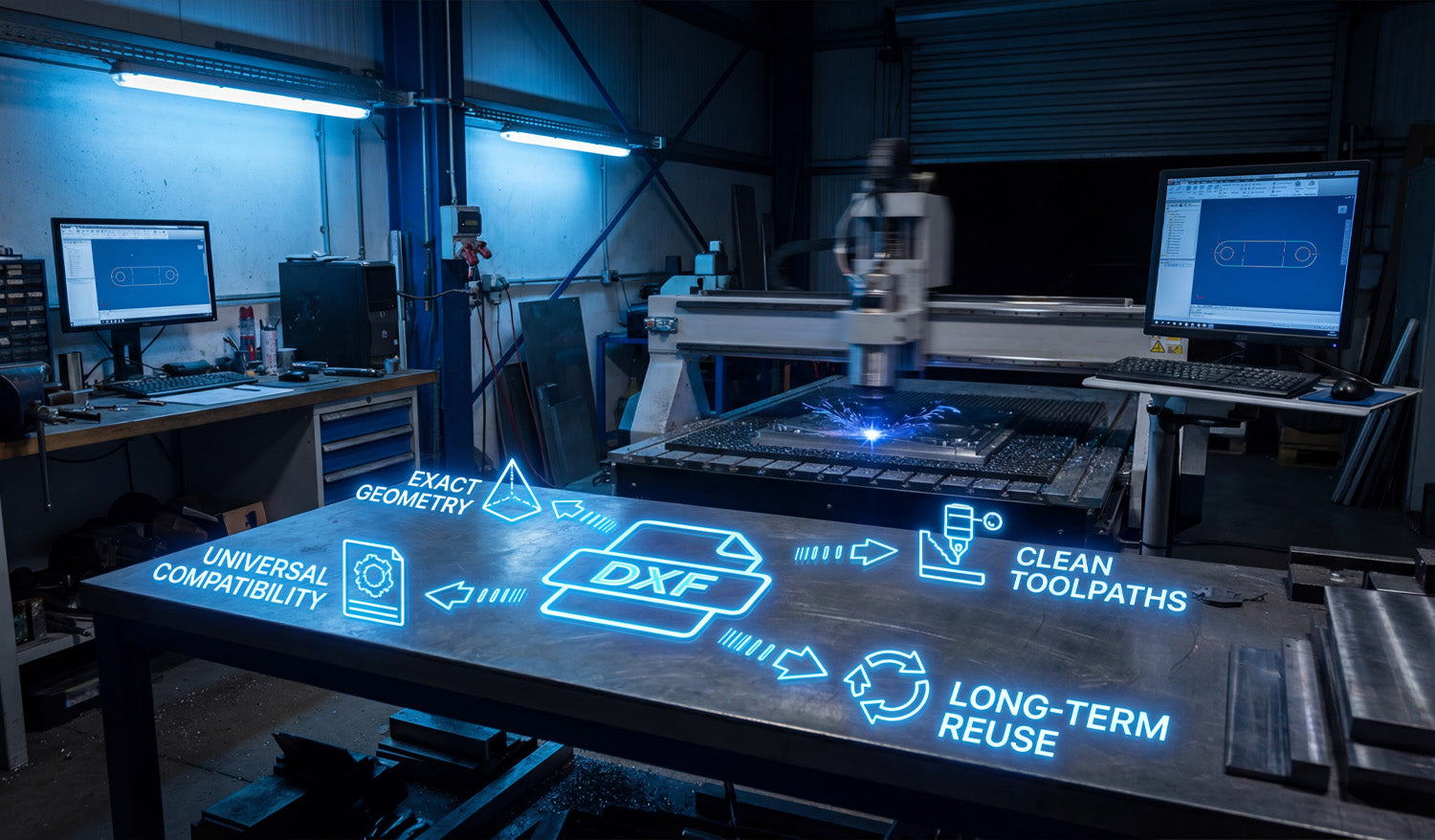
Success in CNC machining doesn't start when the spark hits the metal; it starts the moment you choose your file format. In the world of digital fabrication—whether you run a plasma cutter, laser, or waterjet—the DXF file is the heartbeat of your operation. It bridges the gap between a creative idea and a physical industrial part. Choosing high-quality, clean DXF files ensures your machine runs specific toolpaths without errors, saving you time, electricity, and expensive materials.
1. Universal Compatibility: The Language of CNC
One of the biggest struggles for new CNC owners is software compatibility. You might design in Fusion 360, but your machine controls run on SheetCam or LightBurn. The beauty of the DXF (Drawing Exchange Format) is its Universal Compatibility. It is the industry-standard vector format that acts as a universal translator.
Regardless of the brand of your CNC table or the software you use to generate G-code, a standard DXF file will import correctly. This flexibility allows you to focus on cutting rather than troubleshooting file types. If you are just starting out and want to test how your software handles these files, you can try some of our Free DXF Designs to see this compatibility in action.
2. Exact Geometry: Scaling Without Loss
Unlike image files (JPG or PNG) which are made of pixels, DXF files rely on Exact Geometry defined by mathematical vectors. This is crucial for fabrication shops.
Imagine you have a file for a decorative wall art piece. With a DXF, you can cut that design as a small 10-inch coaster or scale it up to a massive 10-foot intricate driveway gate. The lines remain perfectly smooth, and the arcs stay true curves. You never have to worry about "pixelation" or jagged edges that require hours of manual grinding and finishing after the cut.
3. Clean Toolpaths for Efficient Production
A DXF file is only as good as the designer who drew it. High-quality files provide Clean Toolpaths. This means:
- No Open Contours: The cut path is continuous, so the torch doesn't stop unexpectedly.
- No Overlapping Lines: Prevents the machine from cutting the same area twice, which ruins the workpiece.
- Optimized Lead-ins/Lead-outs: Ensures the pierce point doesn't damage the visual quality of the part.
Using files that are pre-optimized for cutting means you spend less time fixing nodes in your CAD software and more time making money with your machine.
4. Long-Term Reuse: Building Your Digital Assets
Think of your DXF files not just as consumables, but as Long-Term Reuse assets. Once you have a clean, proven file, it becomes a permanent part of your digital inventory. A customer might order a custom fire pit today, and three years from now, another customer might want the exact same design.
Having a library of reliable files allows you to say "Yes" to orders instantly without re-doing the design work. For shops looking to secure a massive library of ready-to-cut assets instantly, our Full Access Bundle offers a complete catalog that creates immediate business value.
Conclusion
Your CNC machine is a powerful tool, but it relies on efficient data to perform at its best. By utilizing DXF files that prioritize exact geometry and clean toolpaths, you reduce waste and increase profitability. Whether you are cutting mechanical brackets or artistic signs, the right file makes all the difference.




