

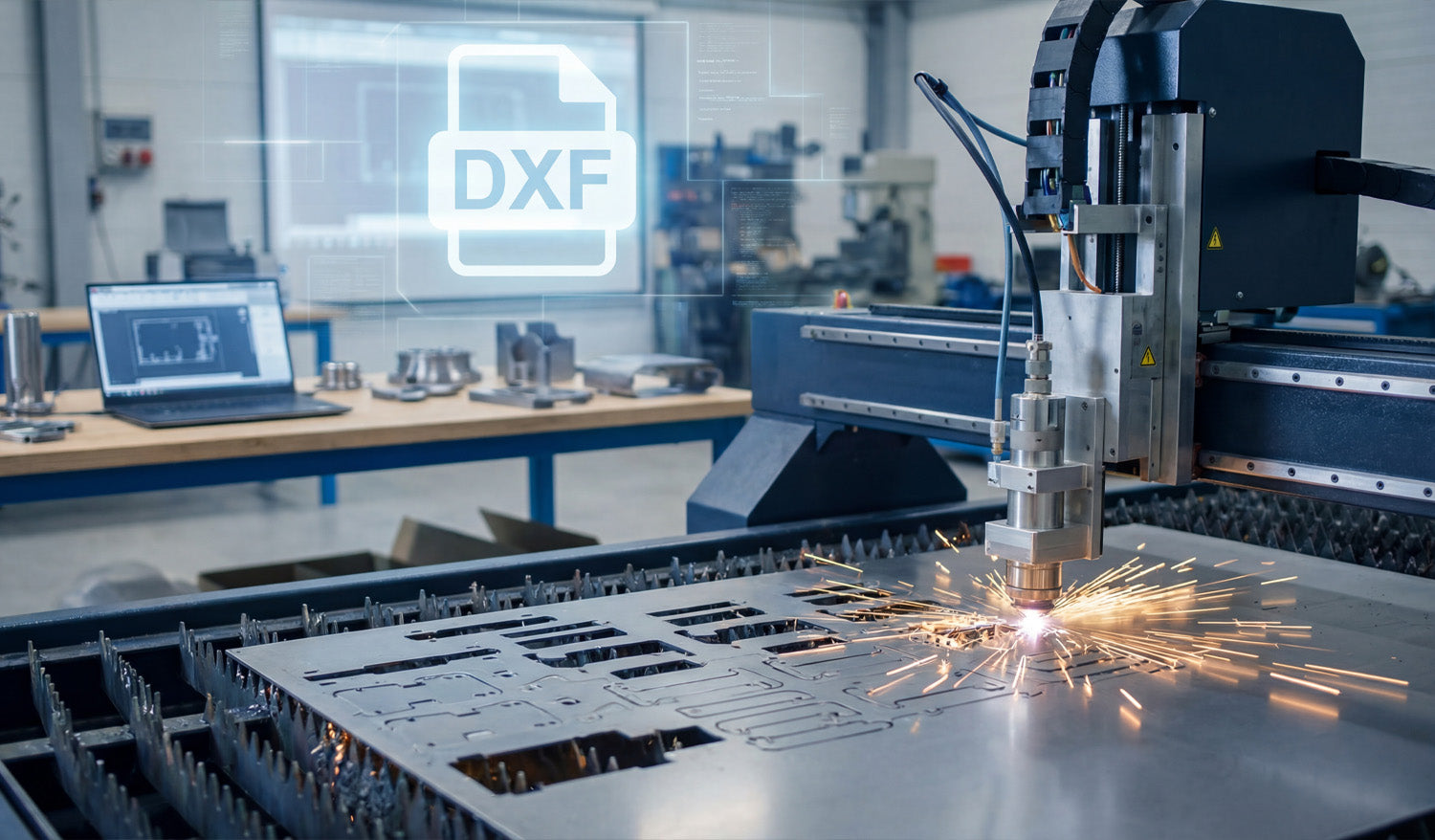
Choosing DXF files over other formats for CNC projects keeps your geometry clean, your workflow predictable, and your machines compatible across different software and hardware.
File Format Can Make or Break a CNC Job
If you run a CNC machine long enough, you see the same pattern: good designs ruined by the wrong file format. Someone sends a logo as a tiny JPG, a drawing as a proprietary CAD file nobody can open, or a vector with broken paths. You spend more time fixing files than cutting parts.
DXF (Drawing Exchange Format) was created to solve exactly this problem. It acts as a common language between CAD, CAM, and CNC systems, especially for 2D cutting like laser, plasma, router, and water-jet.
1. DXF Is Designed for Exact CNC Geometry
DXF stores geometry as real vectors: lines, arcs, circles, and splines with exact coordinates. That makes it ideal for CNC cutting.
- No pixel guessing: Unlike JPG or PNG, DXF does not need to be “traced.” The shapes are already clean vectors.
- True arcs and circles: Holes, slots, and radii stay round and smooth, not made of tiny jagged segments.
- Consistent dimensions: What you draw at 100 mm in CAD arrives as 100 mm in CAM when units are set correctly.
For tight fits, bolt patterns, and precise contours, this level of accuracy is non-negotiable.
2. DXF Works with Almost Every CAD, CAM, and CNC System
One of the biggest reasons to choose DXF is simple: everybody understands it.
- Most CAD programs can export and import DXF without extra plugins.
- Most CAM packages can read DXF directly for 2D toolpaths.
- Many laser and plasma controllers import DXF as a primary format.
That means you can design in one program, nest in another, and cut on a different machine brand without redrawing from scratch or fighting conversions.
3. DXF Beats Raster Images for CNC Every Time
People often start with logos, artwork, or photos in formats like JPG or PNG. Those are fine for screens, but not for CNC machines.
- Raster formats: Store pixels. Your software must guess where edges are when you trace them, creating noisy paths.
- DXF: Stores curves and lines directly. No tracing, no “close enough” edges, no random bumps in your toolpath.
If you begin with a raster image, the best practice is to convert it into clean vector artwork and export as DXF for CNC. That conversion step is where you fix the geometry—DXF is where you lock it in.
4. DXF Is More CNC-Friendly than Many Native CAD Formats
Native CAD files (DWG, proprietary 3D formats, parametric models) are great for engineering, but they are not always ideal for the shop floor.
- They may require the same software (and license) used to create them.
- They can contain a lot of extra data you do not need for cutting.
- They sometimes import unpredictably into third-party CAM systems.
DXF is lighter and focused on 2D geometry. When your goal is to cut a flat part, not rebuild a parametric model, DXF is usually the most direct route from design to toolpath.
5. DXF Handles Layers and Colors for CNC Operations
One of DXF’s biggest superpowers is layer support. This matters a lot for multi-step CNC jobs.
- You can create separate layers for outside cuts, inside cuts, engraving, scoring, and reference geometry.
- Many laser and plasma controllers can map colors or layers directly to different power, speed, or pierce settings.
- Reference geometry (centerlines, dimensions, notes) can live in the file without being cut.
Other vector formats like SVG can handle layers too, but DXF is the one most CAM and CNC tools were built to understand in a manufacturing environment.
6. DXF Plays Nicely with Kerf Compensation and Toolpaths
For CNC cutting, geometry is only half the story. You also need to consider kerf (cut width) and inside/outside compensation.
- DXF stores clean closed profiles that CAM software can easily offset for kerf.
- Inside and outside contours are easier to detect when shapes are well-defined in DXF.
- Plasma and laser CAM systems are typically tuned to work best with DXF inputs.
Other formats might carry vectors too, but DXF has become the “native language” for 2D kerf-based processes in many shops.
7. DXF Files Are Easier to Inspect and Troubleshoot
When a CNC job fails, you often ask: “Is it the machine, the CAM settings, or the file?” With DXF, the file part is easier to check.
- Free viewers and basic CAD tools can open and zoom into DXF to inspect geometry.
- You can quickly spot open paths, duplicate lines, or stray entities and fix them.
- Because DXF is widely documented, it is simpler to understand what is actually inside the file.
Trying to debug native, locked-down formats or flattened artwork is usually harder and slower.
8. DXF Supports Long-Term Storage and Reuse
File formats come and go as software changes, but DXF has been around for decades and is still the standard in many CNC workflows.
- It is well documented, so future tools will likely continue to support it.
- It is human-readable at a basic level (text-based variants), giving you some protection against format lock-in.
- You can safely archive DXF libraries and expect them to be usable years later, even if your CAD system changes.
That makes DXF a smart choice for long-term design libraries, product lines, and recurring CNC jobs.
9. DXF Works Well Alongside Other Formats
Choosing DXF does not mean you must abandon every other format. Instead, you use each one where it makes sense:
- AI / SVG: For creative artwork and design stages.
- Native CAD: For 3D modeling, assemblies, and parametric design.
- DXF: As the final, clean 2D profile you send into CAM and CNC.
Think of DXF as the “production language” for your cutting machines—a stable, CNC-ready version of whatever design path you used to get there.
10. When DXF Should Be Your Default Choice
If your project involves 2D cutting or engraving on a CNC machine, DXF is almost always the safest default. It is especially strong when:
- You share files between different shops, partners, or machines.
- You run laser, plasma, water-jet, or router tables for flat parts.
- You maintain a large library of reusable designs that must outlive any single software tool.
In these scenarios, other formats may still appear in your workflow, but the file that feeds the machine is typically DXF.
Quick Comparison: DXF vs Other Common Formats
| Format | Best For | CNC Suitability |
|---|---|---|
| DXF | 2D CNC cutting, CAD exchange | Excellent – native choice for many CAM/CNC tools |
| JPG/PNG | Photos, mockups, web | Poor – needs tracing, low precision |
| SVG/AI | Artwork, logos, design | Good for design, but less universal in CAM than DXF |
| Native CAD (DWG, etc.) | Engineering, 3D models | Requires matching software; extra conversion step |
Conclusion
DXF files give CNC projects a huge advantage: precise vector geometry, universal compatibility, clean layer control, and long-term reliability. While other formats still have a place for design, artwork, and 3D modeling, DXF is the format you can trust when it is time to move from screen to steel, wood, acrylic, or aluminum. Choosing DXF as your standard for CNC projects means fewer surprises, faster setup, and more consistent results on every job.




